Managing Rotating Banners
Introduction
This guide should be used to manage the ad content which is shown on site homepages.
Step-by-step guide
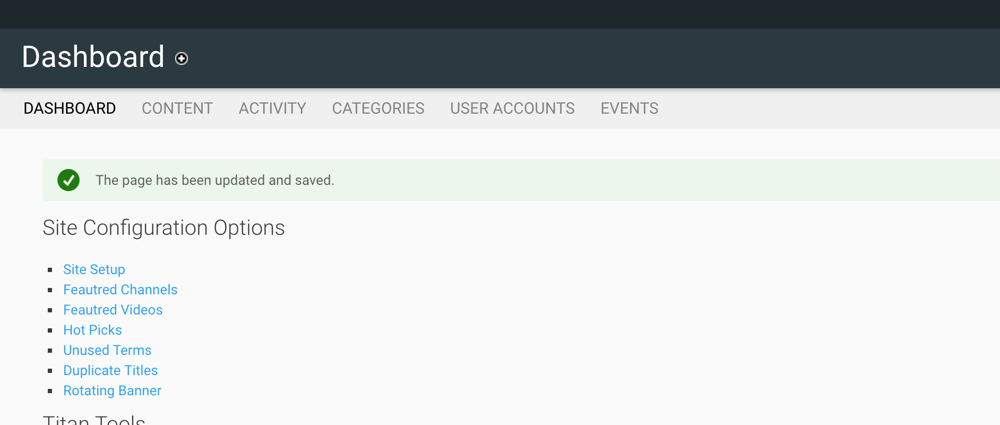
- Go to
Dashboard > Site Configuration Options > Rotating Banner. - From here you can select any "Custom Items", and they will be put into the queue.
- Please note the "Custom Item" must some specific criteria:
- must be Published,
- prefixed with "Banner -",
- available on the current domain.
Info
There is currently a 5-minute cache, on the results of what item is generated as random. This may last slightly longer, and also can be increased or decreased.