Asset TV Player Options
Introduction
When clients produce or have media hosted with Asset.tv the video can be provided for them to use on their own websites alongside their Asset.tv distribution. There are a couple of options on how they can do this, depending on their requirements.
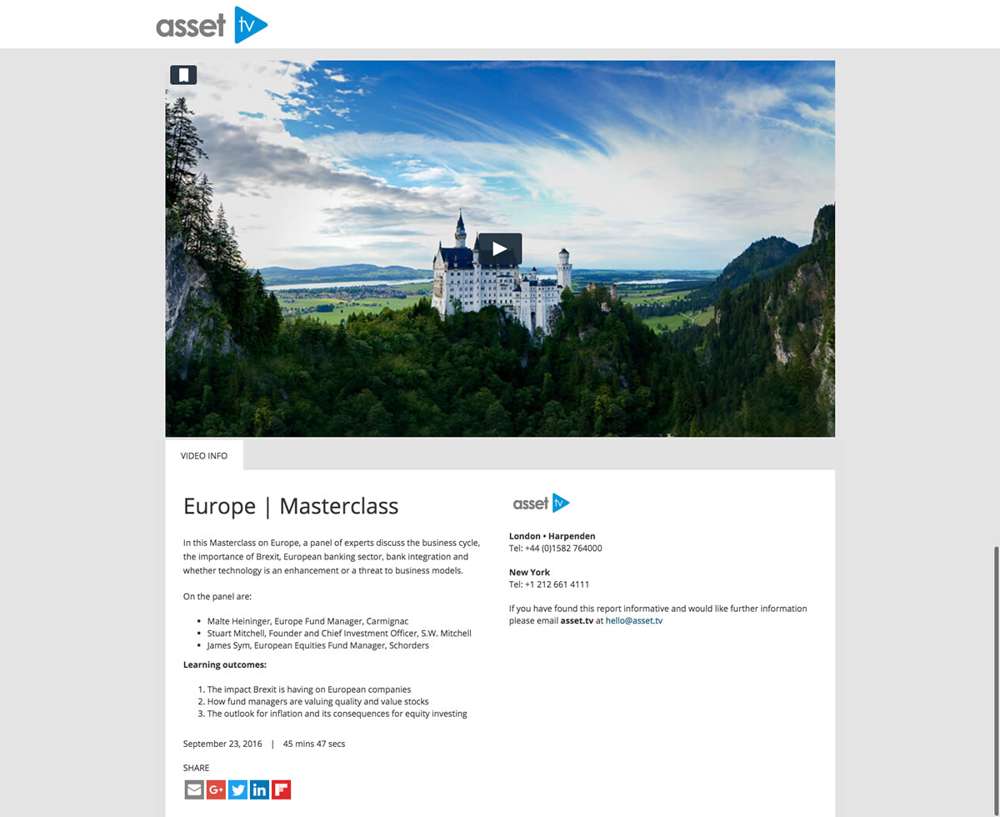
Stand Alone Player
The Asset TV stand alone player allows you to feature a single video record with associated video information displayed on a static page without any related items or Asset TV navigation. The page contains the company logo, contact information and all video information similar to what is displayed on the main Asset TV websites.
Embedded Players
Single Embed
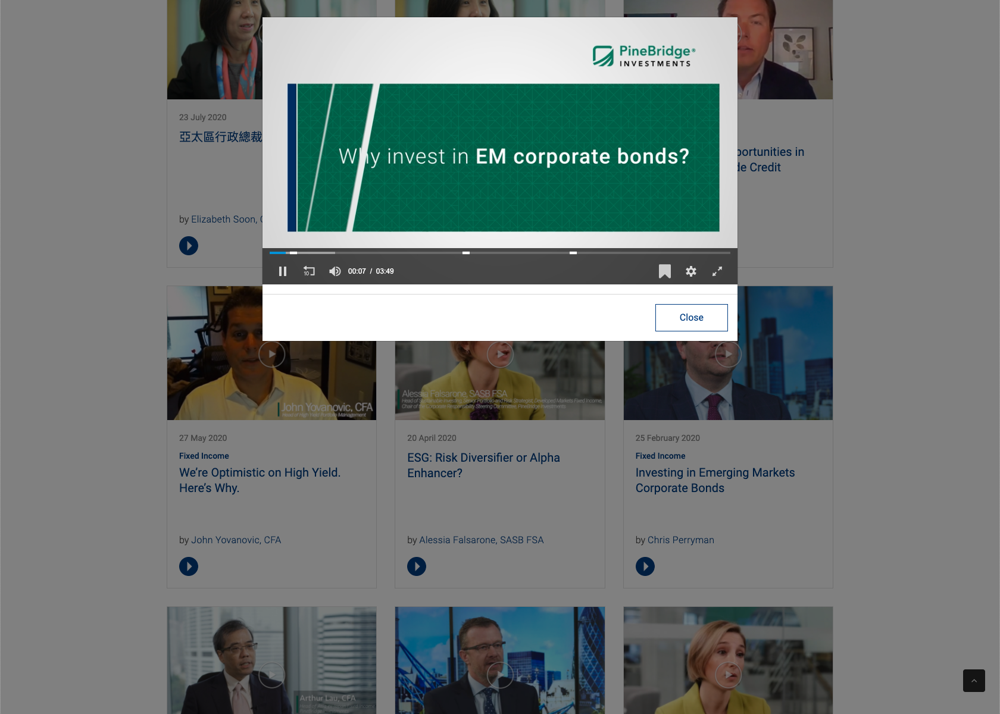
If you would rather not have an Asset TV URL for your media you can embed the player directly into your own website instead:
Features
- Compatible with mobile devices such as Smartphones and Tablets
- A login feature can be added to the player which allows for detailed stats (i.e. name and company of viewers)
- A login feature would also allow your viewers to collect CPD points where applicable
- Downloads and links (such as fact-sheets or links to specific web pages) can be added to the player
Multiple Video Embed
As above but with options to embed multiple videos on a single page.
Channel Embed
The channel page embed allows clients to feature their Asset.tv video channels on their site:
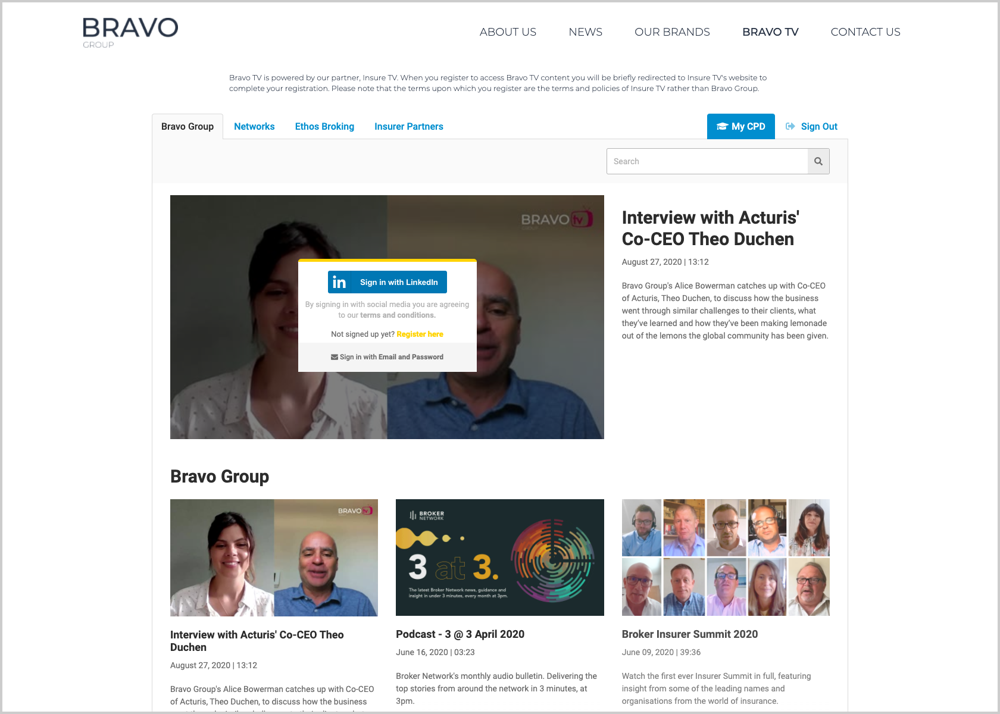
This allows the client to feature all their content from Asset.tv while stripping out our header and A-Side elements.
Features
- Provides all media from their video channel on www.asset.tv.
- Compatible with mobile devices such as Smartphones and Tablets.
- Pop-up player includes the media description and any download or links.
- Media can be filtered by Asset Class, People or Company (where relevant).