Featured Videos on Channels
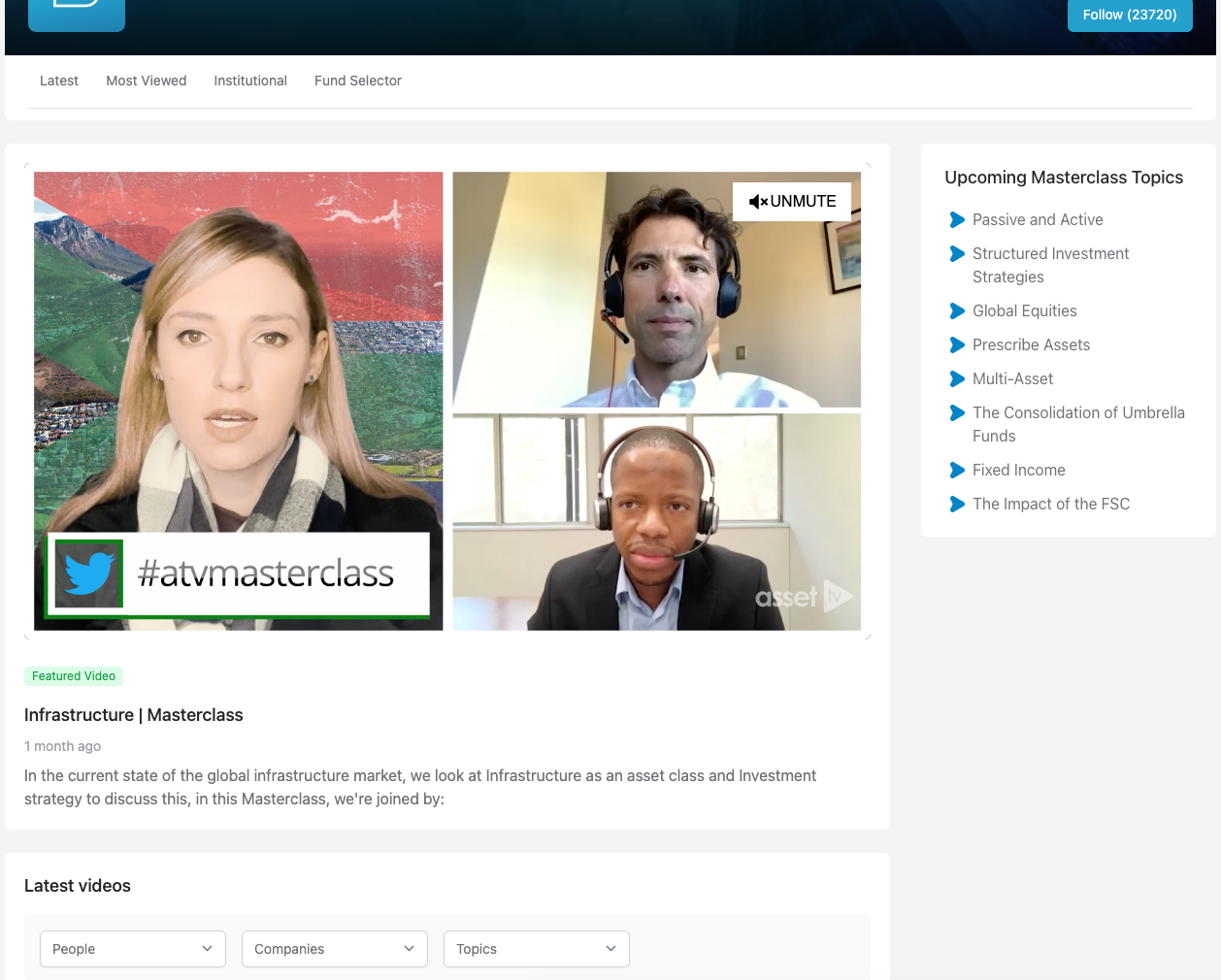
On a channel you can add a featured video on a channel tab.
Instructions
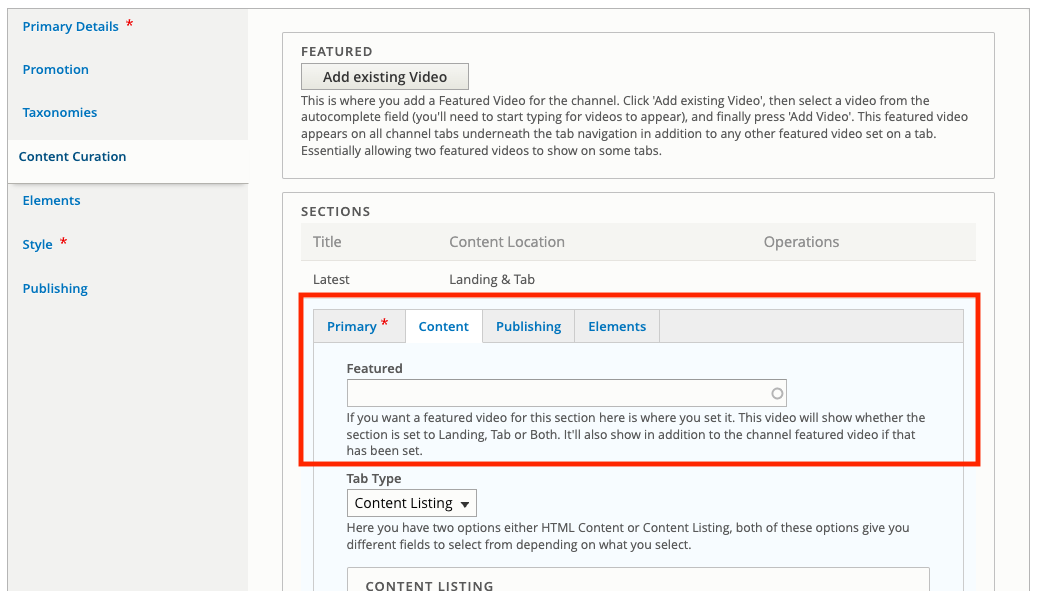
Adding a featured video on a channel tab, the video appears at the top of the tab content above anything on the tab.
Adding a Featured Video to a Channel tab requires you to have a tab set up already. If you haven't done that, follow the guide on Setting up Channel Tabs.
Once you've done that, edit your Section under the Content Curation tab.
Go to the Content sub tab and complete the field labelled Featured with the video you would like to set.
Update the section and save the Channel for your update to show.