Featured Videos on Channels
On a channel there are two places you can have a featured video. One is on the channel, and the other on a channel tab. Depending on where you choose to place the video will determine where and how persistent that video is.
Featured Video on a Channel
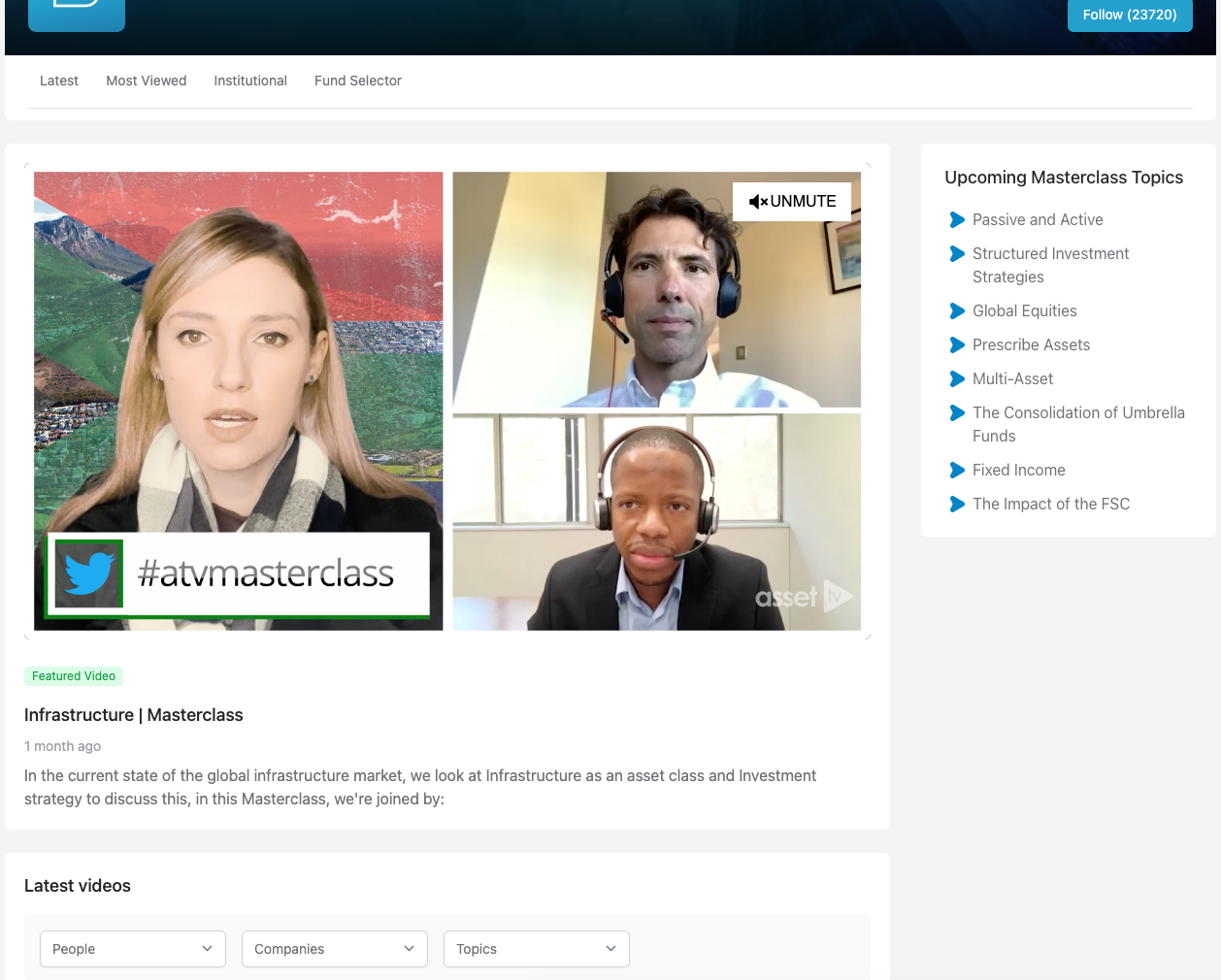
Having a featured video added to the channel means it'll appear just under the tab navigation for the channel, but it will also appear on any tabs the channel may have above all the page content.

Instructions
Setting up the Featured Video for a Channel requires you to edit the channel.
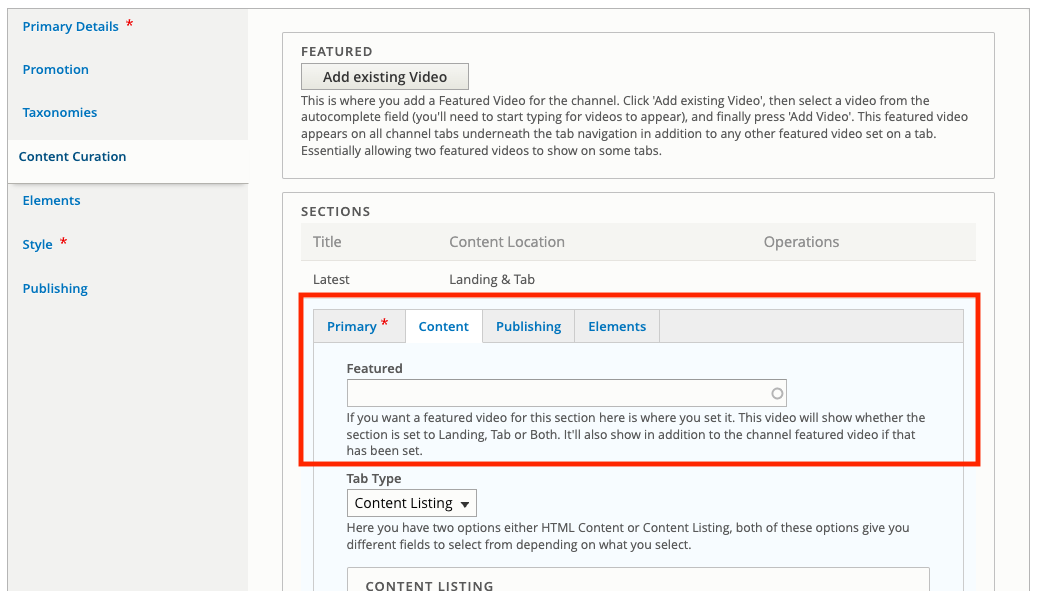
Then go to the Content Curation tab. At the top of this tab there is a block labelled featured.
In this block click the button labelled Add existing Video.
This will give you a field where you can select the Video you want by starting to type it's name, then selecting it when it shows.
Featured Video on a Channel Tab
Another place you can add a featured video is on a channel tab. This appears at the top of the tab content above anything on the tab, but under the featured video for a channel (if one has been set).
Instructions
Adding a Featured Video to a Channel tab requires you to have one set up already. If you haven't done that, follow the guide on Setting up Channel Tabs.
Once you've done that, edit your Section under the Content Curation tab.
Go to the Content sub tab and complete the field labelled Featured with the video you would like to set.
Update the section and save the Channel for your update to show.